Messaging: communicate directly with your collaborators
Author: Équipe Crealink ·
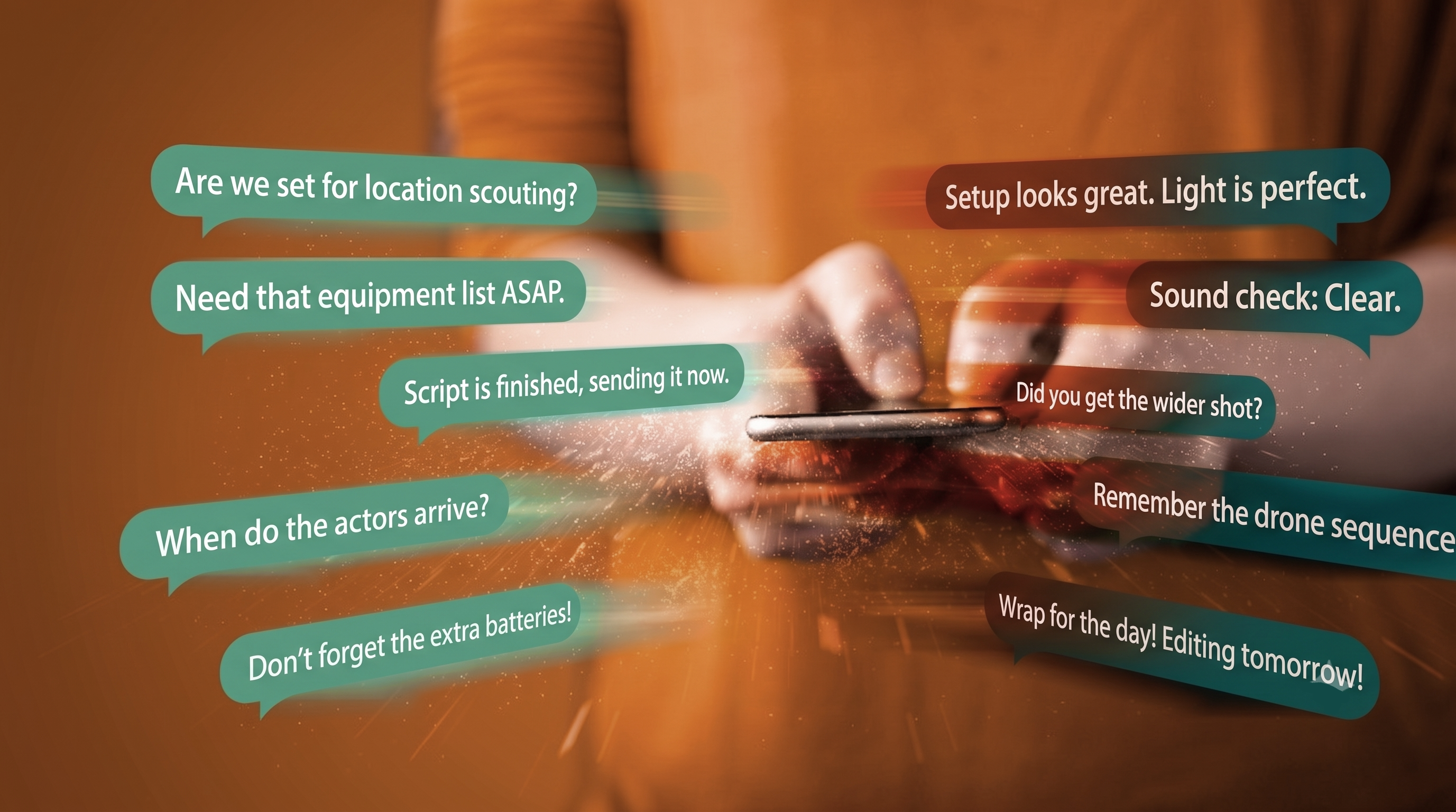
Messaging built for creators
Crealink's integrated messaging enables direct exchanges between all profile types: creators, guests, makers, studios and agencies. No more searching for an email or phone number — everything happens inside the app.
Sending a message
To contact a collaborator:
- Visit their public profile
- Click the Send a message button
- Write your message and send
The new conversation appears as "pending" on the recipient's side, who can then accept and reply directly from their Crealink interface.
Sharing files
You can attach images and videos directly in your conversations — handy for sharing a portfolio, a show clip or a creative brief.
Real-time
Messages arrive instantly. You also receive an email notification when you have a new message, so you never miss anything even when you are not logged in.
Linked to your applications
When a creator posts a collaboration ad and you apply, the messaging conversation is automatically linked to that application. You can easily find the context of each exchange.
Send from your active profile
If you have multiple profiles (e.g. a guest profile and a maker profile), you choose which profile you send from. Your contact clearly sees which profile you are communicating with.