Availability Calendar: show when you are free on Crealink
Author: Équipe Crealink ·
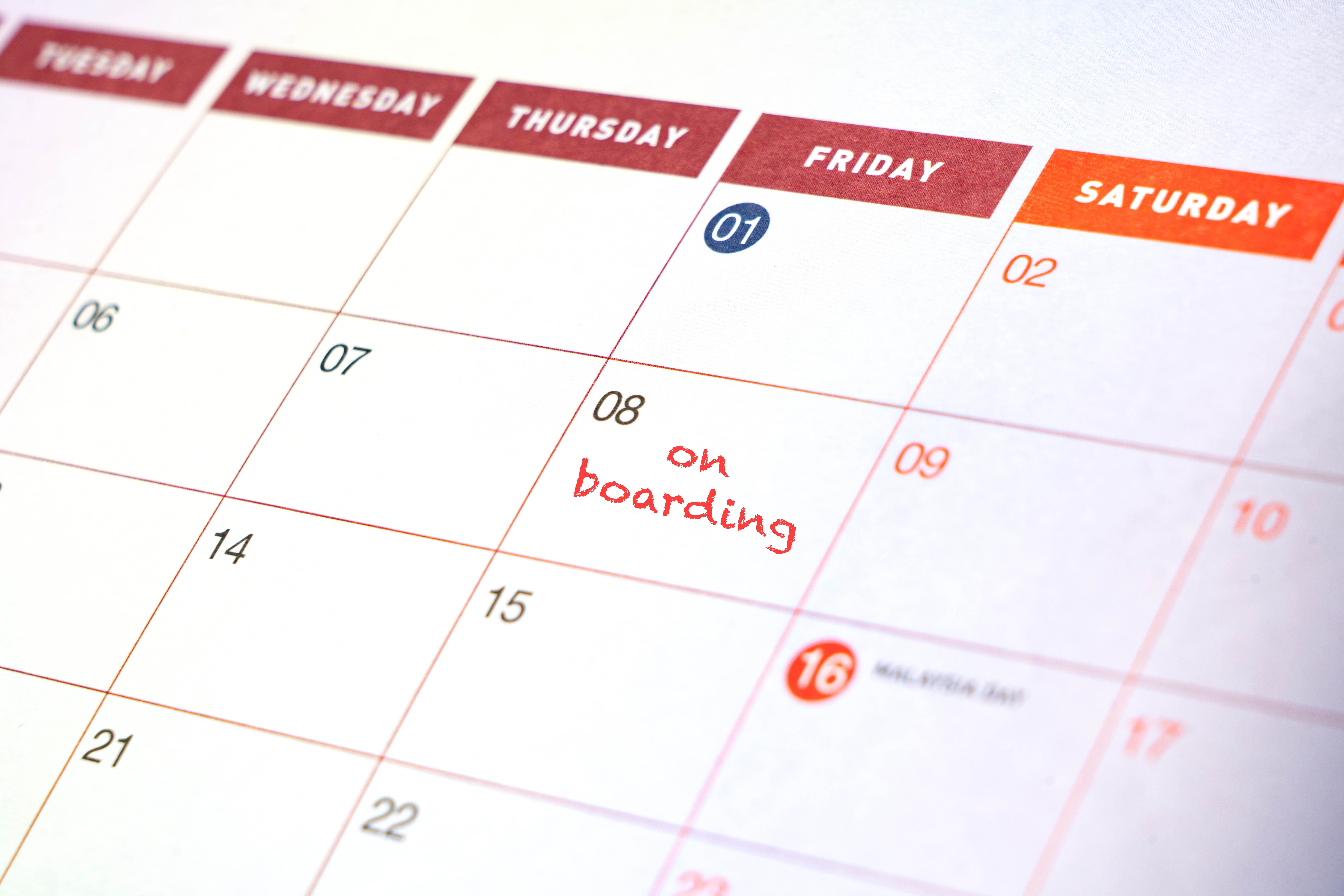
Share your calendar, show your availability
Crealink lets you connect your external calendar to automatically display your availability on your public profile. No more endless back-and-forth to find a free slot.
How it works
- Export the ICS URL from your calendar — Google Calendar, Apple Calendar, Outlook and most tools offer this in their sharing settings.
- Paste the URL in the Calendar section of your profile (available in your profile edit page).
- Crealink automatically syncs your busy time blocks and displays them on your public profile as a visual calendar.
What visitors see
When a creator, maker or studio views your profile, they see a 60-day calendar showing your available days and your already-booked days. This makes coordination much easier before even sending a message.
Available for which profiles?
Calendar sync is available for:
- Guests — so creators know when you can record an episode
- Makers — to show your availability for contracts
- Creators — to coordinate interviews
- Production studios — to display available studio slots
Paid plan feature
Calendar sync is included in Pro, Studio and Agency plans. Visitors with a free plan can see the calendar on your profile, but cannot use this feature on their own profile.
Follow up with messaging
Once a potential collaborator has checked your availability, they can message you directly via Crealink to confirm the details of the collaboration.